
Export your Search Term Report
Export it from Amazon's classic Sponsored ads reports console as an XLSX file (up to 65 days), then drop it at /audit for a free analysis.
Export the Sponsored Products Search Term Report as XLSX from the classic Sponsored ads reports console – pre-set columns, up to 65 days.
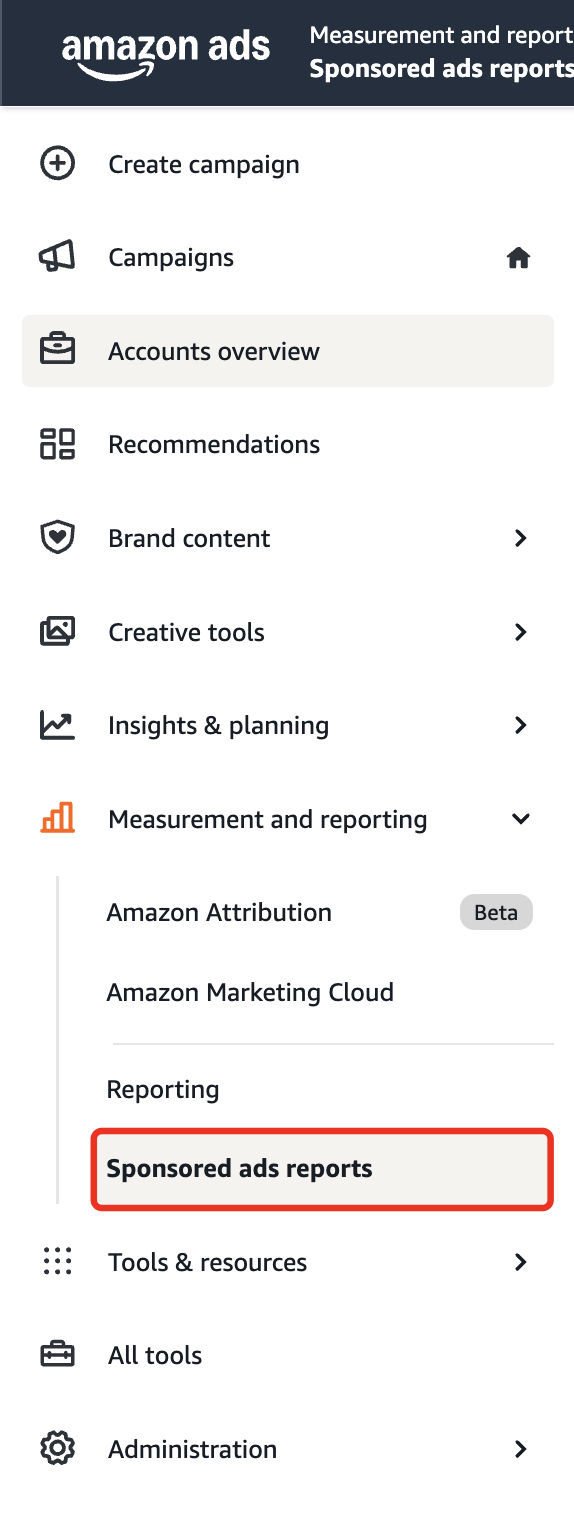
1. Open Sponsored ads reports
Sign in to Amazon Ads. In the left sidebar, open "Measurement and reporting" → "Sponsored ads reports".
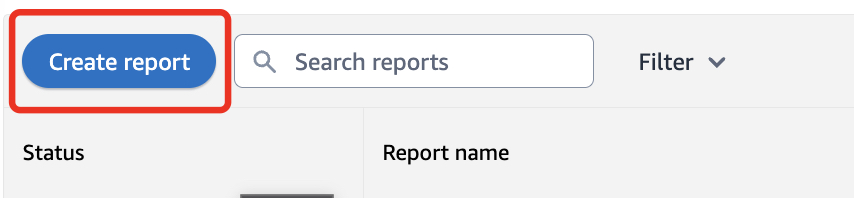
2. Create a report
Click "Create report" (top-left).
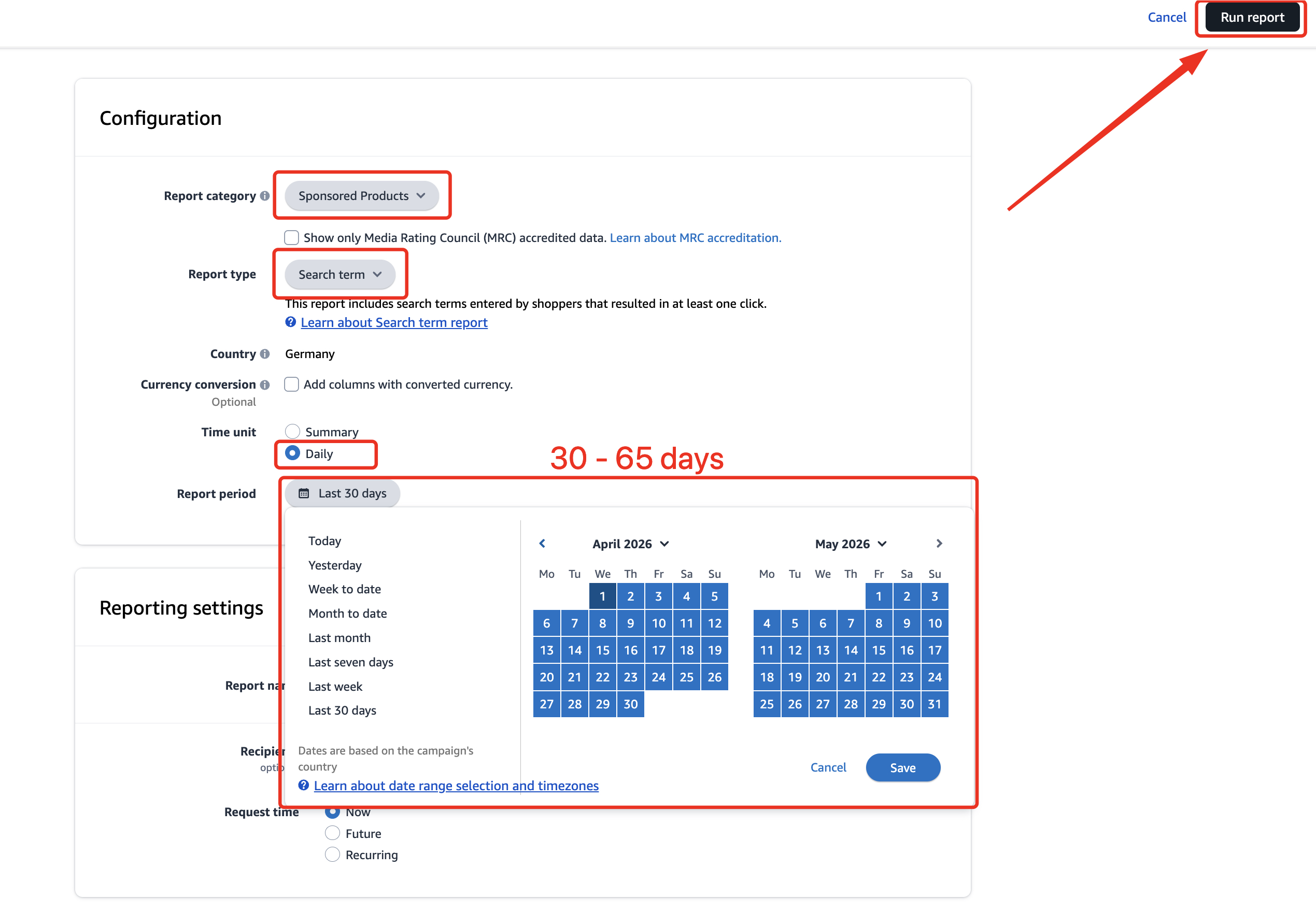
3. Configure the report
Report category: "Sponsored Products".
Report type: "Search term".
Time unit: "Daily".
Report period: pick your range – up to 65 days.
Then click "Run report" (top-right).
4. Download, then upload
When the report is ready, download the .xlsx file.
Return to /audit and drop the .xlsx file – the free analysis starts immediately.